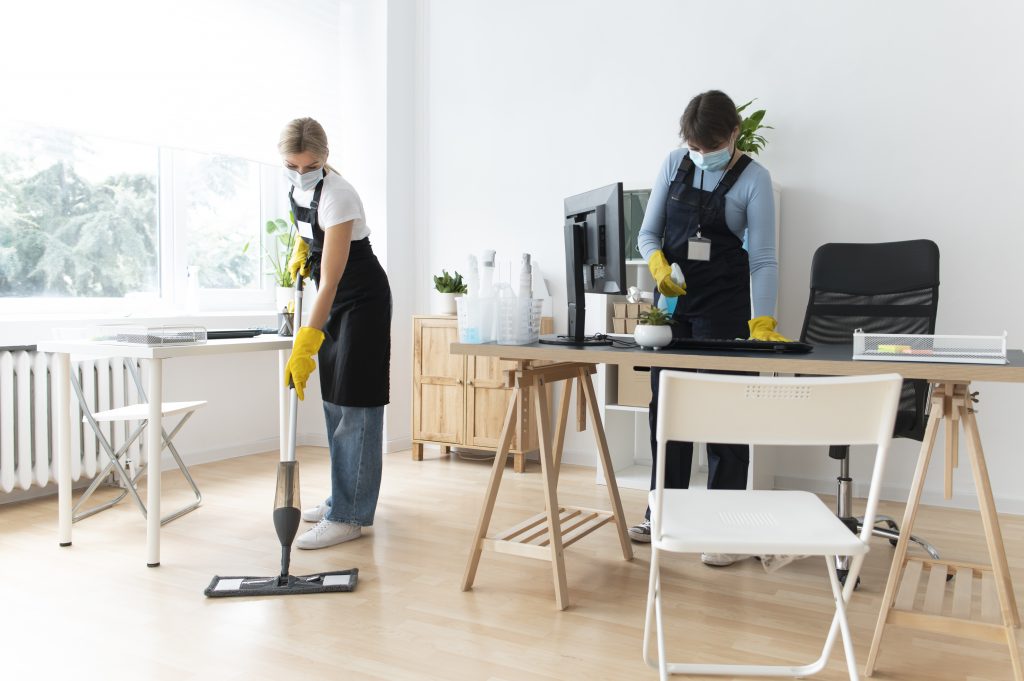
In the modern era, the home office has become an essential space for many individuals. Whether you’re working from home full-time, part-time, or just occasionally, having a clean and organized environment can significantly impact your productivity and mental clarity. A cluttered and disorganized workspace can lead to distractions, stress, and inefficiency. Fortunately, creating a clean and productive home office is entirely achievable with a few simple yet effective strategies. Below are the best ways to ensure your workspace promotes both cleanliness and productivity.
1. Declutter and Simplify Your Space
A cluttered desk or room can lead to a disorganized mind, making it difficult to focus. The first step in creating a clean and productive home office is to declutter your space. Begin by removing all unnecessary items from your desk and workspace. This includes items like old paperwork, unused office supplies, and any personal items that do not serve a functional purpose in your workspace.
Once the surface is cleared, sort through your belongings and decide what should stay. Keep only the essentials—such as your computer, necessary documents, and a few personal items that make you feel comfortable without adding to the clutter. If you have papers or items that need to be kept but are rarely used, consider storing them in filing cabinets or storage boxes to keep them out of sight.
2. Organize with Purpose
After clearing away the clutter, it’s important to set up an organized system for your work items. A well-organized workspace allows for easy access to everything you need while minimizing distractions. Invest in filing cabinets, shelves, or drawer organizers to store papers, office supplies, and personal items. Organize papers by category—such as projects, invoices, and correspondence—and label your files to make finding items easier.
If you use digital tools or devices, make sure your digital workspace is equally organized. Clean up your computer’s desktop, categorize files into relevant folders, and back up important documents regularly. This ensures you don’t waste time searching for important files or dealing with digital clutter.
3. Optimize Your Desk Setup
Your desk is the centerpiece of your home office, and it should be designed to enhance both functionality and comfort. Start by ensuring your desk is spacious enough to hold all of your essential items, but not so cluttered that it becomes overwhelming. Place your computer, keyboard, and mouse in a comfortable position, with your monitor at eye level to reduce strain on your neck.
Consider investing in ergonomic furniture, such as an adjustable chair that supports good posture, or a standing desk if you prefer to alternate between sitting and standing. A comfortable chair can prevent physical discomfort, allowing you to focus for longer periods without distractions.
Ensure that you have proper lighting in your workspace, as poor lighting can cause eye strain and diminish productivity. A desk lamp with adjustable brightness is an excellent solution, providing direct light when needed while allowing you to control the intensity.
4. Keep Your Environment Clean
A clean workspace not only looks better but also contributes to a healthier environment. Dust, dirt, and allergens can accumulate quickly in an office, especially if you’re spending a lot of time in the space. Regular cleaning is essential for maintaining a clean home office.
Start by wiping down your desk, computer, and other surfaces with a microfiber cloth to remove dust and fingerprints. Be sure to clean your keyboard, mouse, and phone, as these are often the most used items and can collect germs and grime. If you use a printer, take the time to clean it as well, as ink and dust can build up inside, leading to malfunctions over time.
Don’t forget the floor—sweep or vacuum regularly to ensure the room is free from dust and dirt. If you have carpet, consider using a vacuum cleaner with a HEPA filter to capture dust mites and allergens, ensuring the air quality in your home office remains healthy.
5. Create a Distraction-Free Zone
For your home office to be productive, it’s essential to minimize distractions. Whether it’s household noise, personal distractions, or excessive notifications from your phone, these interruptions can negatively impact your focus and work output. Start by creating a dedicated workspace that is separate from other areas of your home, if possible.
Use noise-canceling headphones or play soft background music if external noise is an issue. Limit your access to personal devices by putting your phone on silent or using apps that block distracting websites while you work. If you’re working in a shared space, consider adding a “do not disturb” sign or setting clear boundaries with those around you to ensure uninterrupted work time.
6. Personalize with Purpose
While it’s important to keep your workspace organized and clean, it’s equally important to create an environment that feels comfortable and inspiring. Personalizing your home office with a few carefully selected decorative items can improve your mood and increase productivity.
Consider adding plants to your workspace. Not only do they purify the air, but studies have shown that having greenery in your environment can reduce stress and increase focus. Personal items, such as artwork, framed photos, or motivational quotes, can also help make the space feel more inviting without overcrowding it.
7. Set a Cleaning Routine
A clean home office doesn’t happen by accident—it requires regular upkeep. Set aside time each week to do a thorough cleaning of your workspace. This might involve wiping down surfaces, vacuuming, and organizing your paperwork. By sticking to a regular cleaning routine, you’ll prevent clutter from building up and ensure that your office remains a productive environment.
Consider spending a few minutes each day to tidy up your desk and put items back in their proper place. This will help keep your workspace organized and prevent a major buildup of clutter that could slow you down.
8. Make Your Office Multitask-Friendly
If you often have meetings or video calls, ensure that your home office is set up for these activities. Keep any necessary equipment, such as a microphone, webcam, or headset, within reach. Ensure the background of your video calls is tidy and free of distractions. A clean, well-organized background can create a professional impression when meeting clients or colleagues virtually.
You can also invest in a few additional tools that help you multitask more efficiently, such as a whiteboard or corkboard for reminders and goals, or a calendar to stay on track with deadlines.
9. Maintain a Balanced Atmosphere
Lastly, ensure your home office remains a space that promotes a healthy work-life balance. It’s easy to become overwhelmed by work when your office is just steps away from your living space. Set clear boundaries by establishing regular work hours and taking breaks when needed. Taking time to step away from your desk, stretch, and recharge can improve both your productivity and overall well-being.
Creating a clean and productive home office doesn’t need to be a daunting task. By following these simple steps and making small adjustments, you can create a workspace that not only looks great but also enhances your productivity and focus. Maintaining an organized, clean, and inspiring environment will set the stage for successful workdays ahead.
